
WinOMania Casino Login
Sign in to your account in under two minutes and start playing instantly.
Top WinOMania Casino Games






All Games






You can be inside your WinOMania Casino account in less than two minutes, provided your email address and password are ready. This page shows the sign-in steps first, followed by fixes for forgotten passwords, locked accounts and verification holds, along with the support channels that can assist.
How to Log In: Step-by-Step
Use the email address and password you picked when you registered. Your email has to be verified before your first deposit, so confirm it first if you have only just signed up.
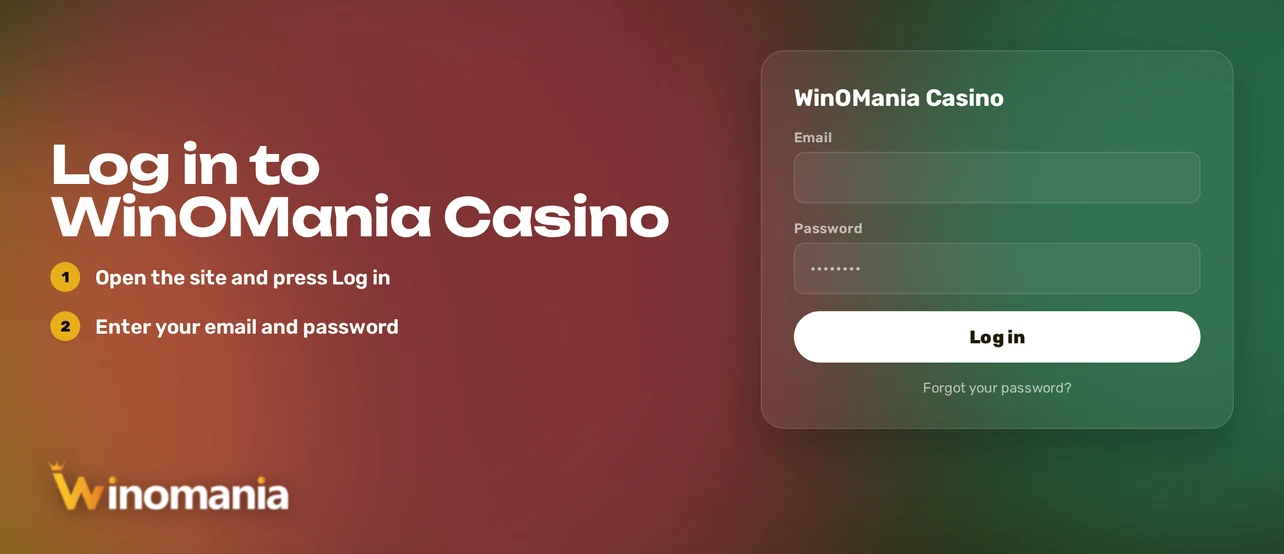
Launch a browser and go to the WinOMania Casino website.
At the top of the page, hit Log In.
Type in the email address you registered with, then your password.
Send the form to get into the lobby.
New here? Open the verification email and follow its link before making a deposit.
There is no standard two-factor authentication. Your password plus e-mail confirmation is what sign-in relies on, so no authenticator code is needed.
Login Problems and Fixes
A few common causes sit behind most access errors. Match your symptom in the table, then apply the fix that fits.
| Problem | Likely Cause | Quick Fix |
|---|---|---|
| Wrong password message | Typing error, caps lock or an old password | Retype carefully, then reset the password |
| Page loads but login fails | Stored cookies or cached files | Clear cookies and cache, then reload |
| Verification email missing | Email not yet confirmed or message in spam | Search your spam folder, then contact support |
| Account locked | Several failed attempts or a security hold | Reset the password, then contact live chat |
| Verification pending | Registration details not yet verified | Complete the steps in the KYC section |
| Login refused after self-exclusion | An active exclusion period | Access returns once the period ends |
Follow these steps to clear your browser data:
- Go to your browser settings and locate Privacy or History.
- Choose Clear browsing data.
- Select cookies and cached files, then pick all time.
- Confirm it, shut the browser and open WinOMania Casino again.
- Sign in once more, or use a private window if the error is still there.
How to Reset Your Password
You are free to reset your password yourself whenever you like, and the change takes effect the moment you save it.
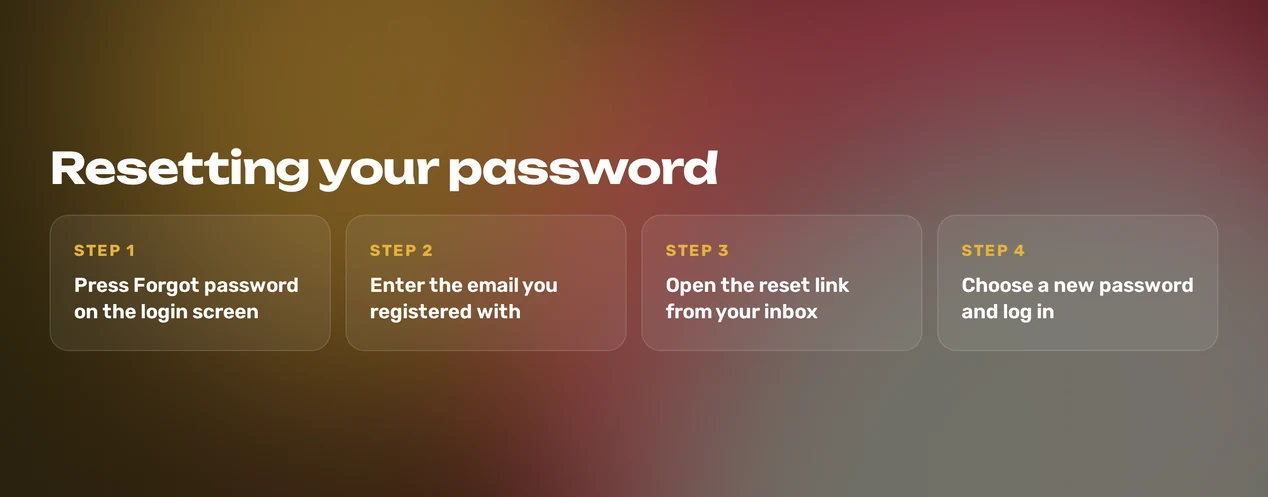
- Click Forgot password on the login form.
- Fill in the email address tied to your account.
- Check your inbox for the email, and look in your spam folder if it has not arrived.
- Click the link and enter a new password.
- Go back to the login form and log in using the new password.
Choose a password you have never used on another site, mixing letters, numbers and symbols. Should no email show up, reach support via live chat or email and give your registered address.
Account Locked or Suspended
Unlocking an account takes effort from both sides. Your action comes first, and support takes over if the lock remains.
- Change your password and clear your cookies straight away.
- Try logging in again from another browser or device.
- Contact live chat or the support email, giving your full name and registered email.
- Support reviews the account and recommends the next step.
A password reset will not reopen a suspended account, so contact support directly. Self-exclusion, cool-off or time-out periods also keep your login shut until they finish. WinOMania Casino is part of GAMSTOP, and a GAMSTOP registration blocks access for its whole duration.
Your account also carries reality checks. Should gambling be a worry for you, GamCare operates the National Gambling Helpline on 0808 8020 133 (gamcare.org.uk).
KYC Verification
Registration asks for four details, and each one is used in verification:
- Full name
- Email address, confirmed before your first deposit
- Home address
- Date of birth
When your account shows verification as pending, details that do not match are a frequent obstacle. Check that the name, address and date of birth match your official records.
- You: verify your email via the link in the message (immediate).
- You: check your account details against your official records.
- You: get in touch with support if verification remains pending.
- Support: checks your details and explains what is required.
Once verification is finished, normal login and deposits start working again.
Logging In on Mobile
There is no WinOMania Casino app to download. The mobile browser lobby is built for phones and tablets, and it takes the same email and password as the desktop site.
- Launch your phone's browser, for example Safari or Chrome.
- Head to the WinOMania Casino website.
- Tap Log In.
- Type in your email address and password.
Should login fail on your phone, clear the stored data in your browser.
| Device | Where to Clear Data |
|---|---|
| iPhone (Safari) | Settings, Safari, Clear History and Website Data |
| Android (Chrome) | Chrome menu, History, Clear browsing data |
Contact Support
If none of the fixes above help, support can look at your account themselves. Live chat is open roughly 7am-11pm, so it is not a 24/7 service. At other hours, email or the contact form keeps your request in the queue. Live chat opens from any page of the casino site.
| Channel | Details |
|---|---|
| Live chat | Roughly 7am-11pm, English |
| Contact form | Available on the site |
Add the following details to get support's help faster:
- Your registered email address and full name
- The exact error message shown on screen
- The device and browser in use
- The steps you have already tried
FAQ
WinOMania Casino is only for players aged 18 and over. Play responsibly, set limits within your budget, and turn to the time-out, self-exclusion and reality check tools when play stops being fun.